
5 Resume Mistakes That Get You Filtered Out by ATS Systems
An ATS rarely rejects a resume by itself, but bad parsing and weak keyword matches keep many from being read. Five common mistakes and how to fix them.
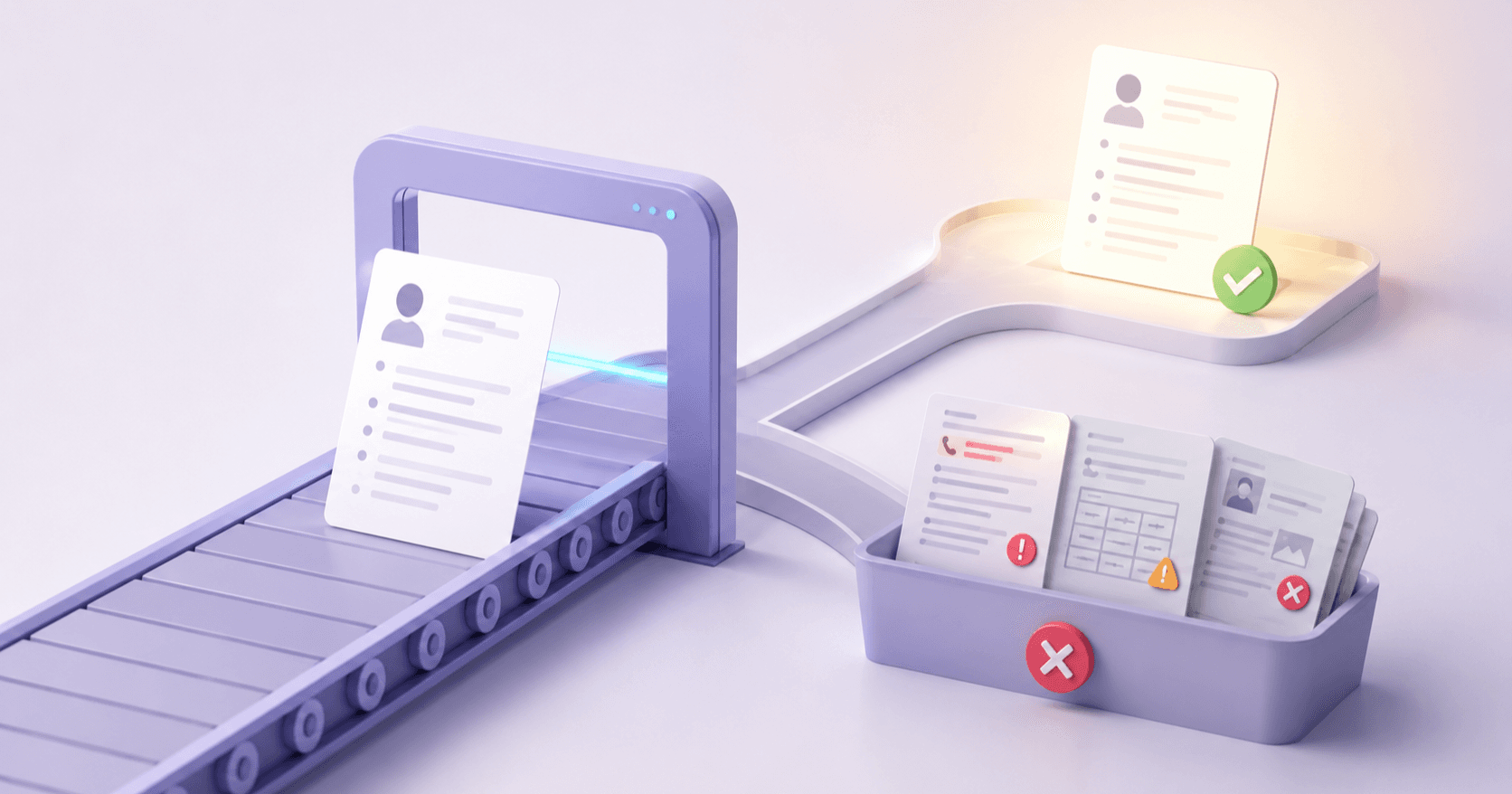
An ATS rarely auto-rejects a resume on its own. Far more often, strong resumes never get a fair read because they parse poorly or rank low against the job's keywords. So your resume could be perfect for the role, and if it doesn't get through the ATS filter, no one may ever read it.
Most of the reasons are fixable. Here are the five most common mistakes, and what to do about them.
1. Are You Using the Same Resume for Every Application?
For many applicants this is the most costly mistake, and it's the easiest to understand. Many ATS systems score resumes on how well they match the specific job description. A generic resume that's "pretty good" for a broad range of roles will usually rank below a tailored resume that addresses what the job posting asks for.
What happens: The ATS scans for keywords, skills, and qualifications from the job description. If your resume uses different terminology or emphasizes the wrong experience, your match score drops and you get filtered out.
How to fix it: Tailor your resume for every application. Read the job description carefully, identify the top 5–7 requirements, and make sure your resume addresses each one using similar language. Your experience stays the same; you describe it in the way that's most relevant to each role.
The shortcut: AI resume tailoring tools can do this in minutes. Upload your resume, paste the job description, and get a tailored version that lines your experience up with the role's requirements. PokeBot's Resume Studio works this way, and you can choose from professional templates and export as PDF or Word.
2. Does Your Formatting Break the Parser?
You spent hours making your resume look beautiful with custom layouts, columns, icons, and graphics. Unfortunately, many ATS systems can't read any of that. They parse your resume as plain text, and complex formatting comes out scrambled.
What happens: Tables turn into jumbled text. Columns get merged incorrectly. Icons and graphics are ignored entirely. Headers in text boxes aren't recognized as section headers. The ATS ends up with a garbled version of your resume that scores poorly even if the content is strong.
What to avoid:
- Multi-column layouts
- Tables for content organization
- Text boxes and shapes
- Embedded images, icons, or graphics
- Headers and footers (many ATS systems can't read them)
- Unusual fonts
What works:
- Single-column layout
- Standard section headers: "Experience," "Education," "Skills"
- Simple bullet points
- Standard fonts (Arial, Calibri, Times New Roman)
- PDF format (unless the application specifically asks for Word)
3. Do You List Duties Instead of Achievements?
This mistake won't necessarily trigger an ATS filter, but it hurts your chances once a person reads your resume. And some newer AI-powered ATS tools try to judge content quality as well as keyword presence.
What happens: "Responsible for managing a team of 5 engineers" tells the reader what your job title already implied. It says nothing about what you accomplished, and everyone with that title could write the same bullet point.
How to fix it: Rewrite every bullet point to show impact. Use the formula: Action verb + what you did + measurable result.
-
Before: "Managed social media accounts for the company"
-
After: "Grew company social media engagement by 340% over 6 months, generating 12 qualified leads per week"
-
Before: "Responsible for customer support operations"
-
After: "Reduced average customer response time from 48 hours to 4 hours by implementing a ticket prioritization system, increasing CSAT scores from 72% to 91%"
Numbers, percentages, and concrete outcomes help your resume stand out to both ATS scoring algorithms and human readers.
4. Are You Missing Keywords from the Job Description?
At bottom, an ATS works by matching your resume against the job posting. If the job says "project management" and your resume says "led cross-functional initiatives," you might be describing the same skill, but the ATS doesn't always make that connection.
What happens: The ATS looks for specific terms. If the job requires "Python" and your resume says "programming languages" without listing Python specifically, that's a missed match. The same applies to certifications, tools, methodologies, and soft skills.
How to fix it:
- Read the job description line by line
- Identify every specific skill, tool, certification, and qualification mentioned
- Include those exact terms in your resume where they honestly apply
- Put them in context: don't just list keywords, work them into your experience bullets
Common misses:
- Tool names (Jira, Figma, Salesforce): don't assume the ATS knows that "project tracking software" means Jira
- Certification abbreviations: list both "PMP" and "Project Management Professional"
- Methodology names: "Agile," "Scrum," "Kanban" instead of just "modern development practices"
5. Are You Including Irrelevant Information?
In many ATS systems, every line that isn't relevant to the target role dilutes your match score. Those systems weigh relevance, and human reviewers spend only a few seconds on an initial resume scan. Irrelevant content wastes both.
What to cut:
- Jobs from more than 10–15 years ago (unless directly relevant)
- Hobbies and interests (unless they directly relate to the role)
- References or "references available upon request"
- Objective statements (replace with a targeted professional summary)
- Skills that are assumed (Microsoft Office, email, typing)
- Unrelated work experience that doesn't demonstrate transferable skills
What to keep:
- Every bullet point should either match a job requirement or demonstrate a transferable skill
- Your most recent and relevant experience should take up the most space
- Skills section should mirror the job description's requirements
So, How Do You Get Past the ATS?
Treat the ATS as a filter you can work with. The five fixes above are ordinary good resume practice, and they also happen to work well with automated screening.
To check your resume against these tests, run it through an AI analysis. PokeBot's Resume Studio, in the Resume Builder room, scores your resume, checks keyword alignment against a job description you add, and evaluates content quality, then suggests a fix for each issue it finds. It scores Structure & Format from the text in your file and can't see columns or graphics, so check your layout against the list in mistake 2.