
Try the PokeBot.ai Career Coach Plugin on ChatGPT
PokeBot's mock interviews, resume scoring, job matching, and growth plans now run inside ChatGPT as a free plugin. How to install it and what it can do.
Last updated: October 2026.
Quick answer: PokeBot.ai Career Coach is now a published plugin in the ChatGPT plugin directory. Open the PokeBot.ai Career Coach listing and install it (or search "PokeBot" at chatgpt.com/plugins). Once it's installed, type @PokeBot.ai Career Coach in any message to run scored mock interviews, ATS-style resume analysis, resume-to-job matching, cover letters, and week-by-week growth plans directly inside ChatGPT, with interactive visual scorecards. It's free within a monthly limit, and you don't need an account.
We built PokeBot so you don't have to guess whether you're ready for the role you want. You can test your readiness and see where you stand. Now you can run that check inside ChatGPT, where many job seekers already spend part of their day.
Prefer to just talk it through? PokeBot is also available as a conversational GPT. See the PokeBot.ai Career Coach GPT.
What is the PokeBot.ai Career Coach Plugin?
It's the same coaching engine that powers app.pokebot.ai, packaged as a native ChatGPT app. You get purpose-built workflows that return structured, scored results as interactive cards right in the conversation:
Ask for a resume score and PokeBot's analysis engine computes it, so the chat model isn't making up the numbers. You get a scorecard with an overall score, four dimension bars, strengths, gaps, and prioritized fixes. Start a mock interview and PokeBot's AI interviewer takes over: one question at a time, follow-ups when your answer leaves gaps, and per-answer scoring with targeted feedback.
How do I find and use it?
To get started:
- Install it from the directory: open the Plugins section in ChatGPT and search PokeBot (or open the PokeBot.ai Career Coach listing directly), then click Install plugin.
- @-mention it: once it's installed, type @ in any ChatGPT conversation, choose PokeBot.ai Career Coach, and say what you want, e.g. "@PokeBot.ai Career Coach score this resume: …". If you write the name without the @, you may get ChatGPT's own answer instead of the plugin.
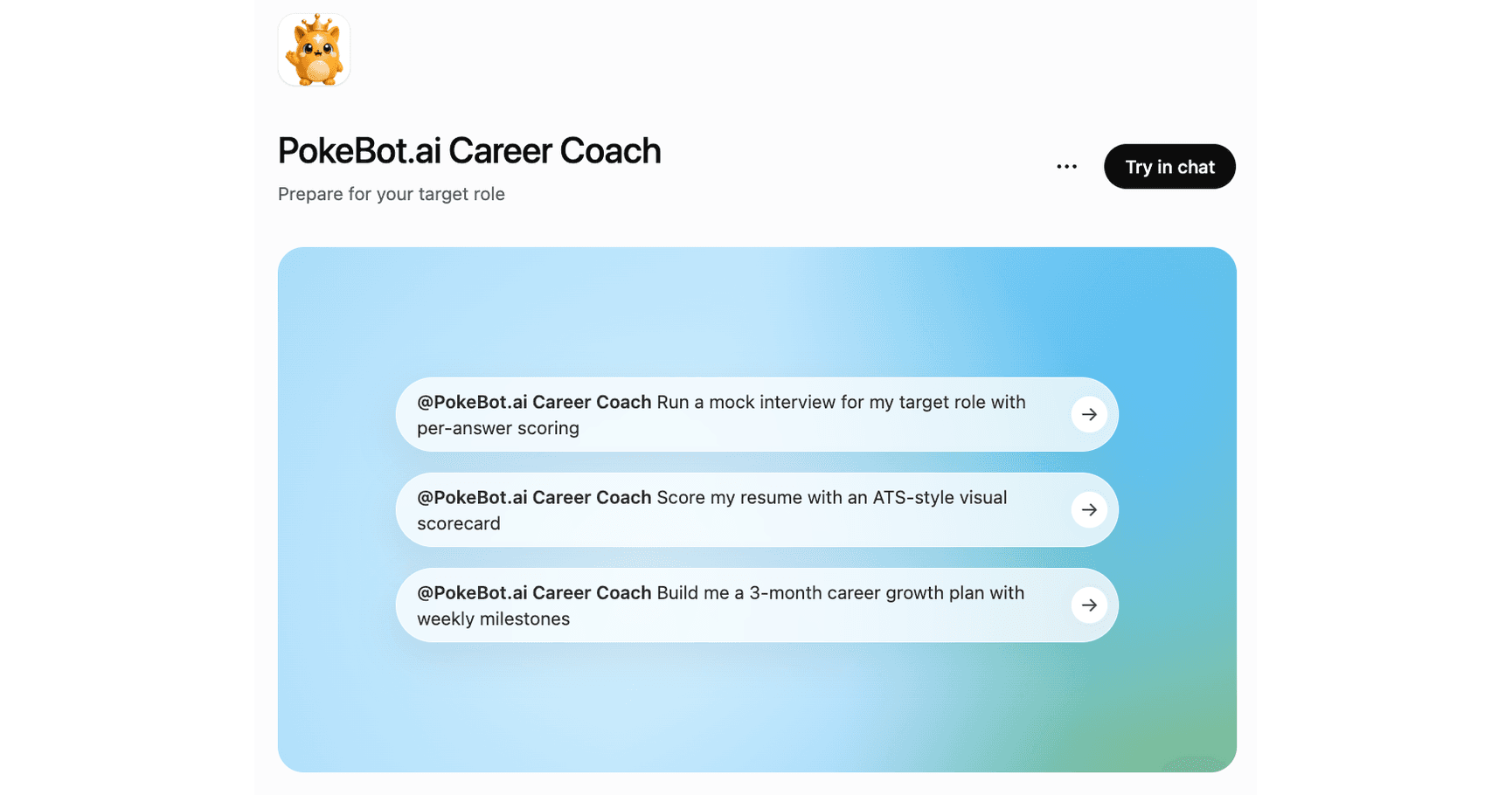
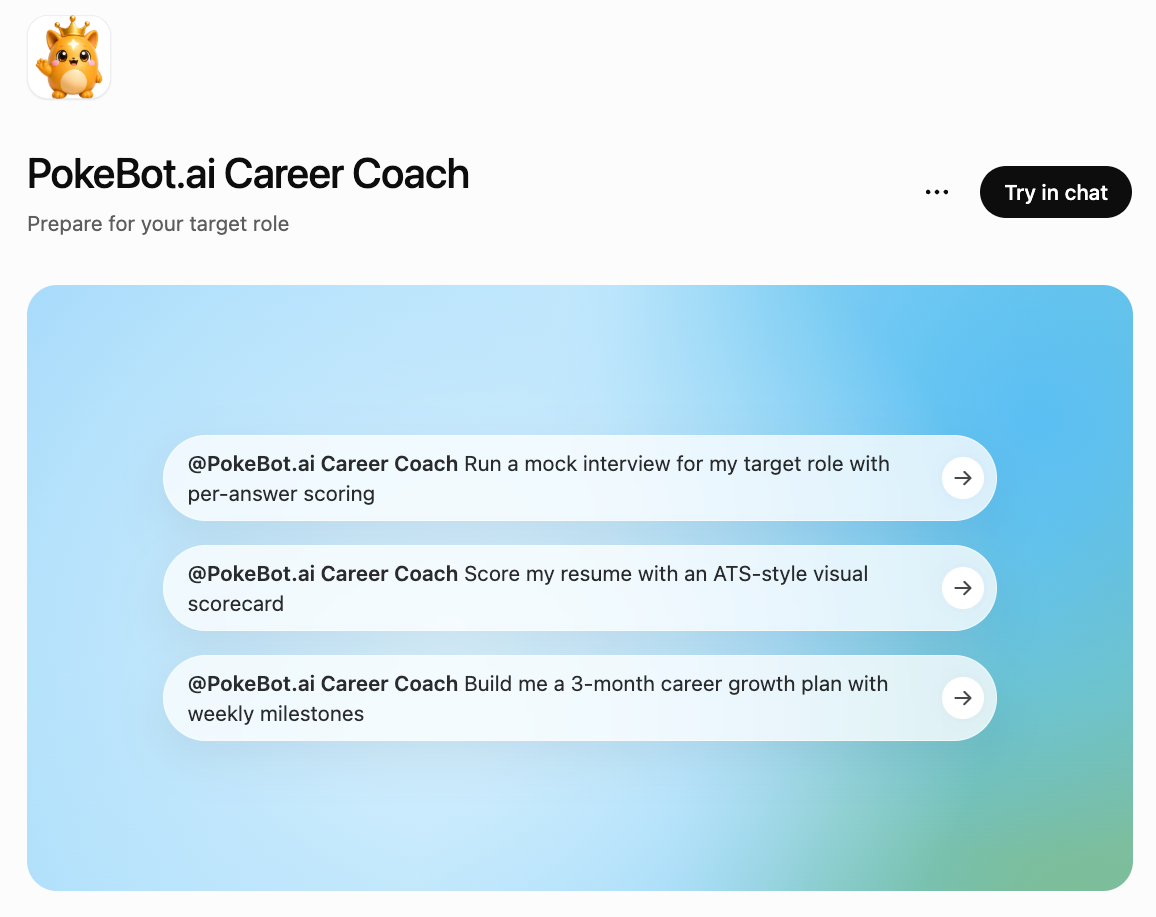
- Example prompts: the listing ships with one-tap prompts: a mock interview with per-answer scoring, an ATS-style resume scorecard, and a 3-month growth plan with weekly milestones.
One practical tip: attach your resume file to the chat before starting a mock interview, so the questions are based on your own experience.
What can it do inside ChatGPT?
| Tool | What you get | Result |
|---|---|---|
| Mock interview | Role-specific questions, live follow-ups, per-answer feedback | Final scorecard with per-question scores (0-100) |
| Resume score | ATS-style analysis across content, structure, writing, relevance | Visual score dial + dimension bars + fixes |
| Job matching | Your resume vs. a specific job description | Match score + matched/missing keyword pills |
| Cover letter | Tailored draft mapped to the job's top requirements | Copyable letter card |
| Growth plan | Week-by-week plan toward a target role | Visual roadmap timeline |
| Skill-gap & career goals | Structured analysis for your target role | Prioritized gap list and goal set |
The interview engine draws on the same question banks used across PokeBot, including a current-style set that reflects how quant, software engineering, data science, AI/ML, finance, and product management interviews are run in 2024-2026. If you want the full printable question sets, they're available as interview workbooks.
What's the difference between PokeBot in ChatGPT and the full PokeBot app?
Think of the ChatGPT version as the lite version of PokeBot. It gives ChatGPT users a quick career check in the tab they already have open. The full version at app.pokebot.ai is a whole platform built around career growth and readiness, with more tools and an interface designed for the job search.
| PokeBot in ChatGPT (lite) | Full PokeBot app | |
|---|---|---|
| Built for | ChatGPT users who want an instant check without switching tools | Job seekers running a complete preparation campaign |
| Mock interviews | Text interviews with per-answer scoring | Text and voice interviews with delivery and pacing feedback, plus case interviews, group discussions, and pitch practice |
| Resume | One-off scoring, job matching, and cover letters | Generate & download a tailored, ATS-ready resume (Resume Studio), plus the improve-and-re-score loop with score history and trends |
| Career planning | One-off growth plans and skill-gap analyses | Growth Path, weekly plans, progress dashboards, and document review |
| Memory | Each conversation stands alone | Your whole journey is saved: results, history, and progress over time |
| Opportunities | - | The Opportunity Map with curated roles and warm introductions |
| Experience | Chat-native result cards | A tailored interface designed around readiness: dashboards, review hubs, and structured workflows |
The two are meant to work together. Run a quick check in ChatGPT when the question comes up, and when you're ready to close the gap it found, move to the full app, where your results and progress are saved over time. Every result card in ChatGPT has a button to continue in PokeBot.
Why did we build this?
We wanted the readiness check to be easy to reach. Many people only find the gap between their preparation and the hiring bar in the interview itself, which is the costliest place to find it. With PokeBot's diagnosis tools inside ChatGPT, you can run the check as soon as the question occurs to you, in the tab you already have open.
To try it, search PokeBot in the ChatGPT plugins directory, or start with a free readiness check on the web. If you're in the middle of a job search, our interview prep guides cover the questions you're likely to face next.
Frequently Asked Questions
How do I add PokeBot.ai Career Coach to ChatGPT?
Open ChatGPT, go to the Plugins section (or chatgpt.com/plugins), search for 'PokeBot', and install PokeBot.ai Career Coach. After that, type @ in any message and choose it. No PokeBot account is required.
Is PokeBot.ai Career Coach on ChatGPT free?
Yes. Every tool (mock interviews, resume scoring, job matching, cover letters, and growth plans) is free inside ChatGPT, with a small allowance in each conversation (one resume-tool run, one career-planning run, and one mock interview) and a cap of 20 runs a month. Starting a new chat gives you a fresh conversation allowance within that monthly cap.
Do I need a PokeBot account to use it in ChatGPT?
No. Everything works without an account. If you want to keep your results (score history, progress tracking, saved plans, and warm introductions), you can continue in the PokeBot app with a free account.
Can ChatGPT use my real resume in the mock interview?
Yes. Attach your resume file to the chat (or paste it into the interview setup form) and the interviewer will ask questions based on your own experience. Adding a job description enables job-fit questions too.
Are the interview questions up to date?
Yes. The mock interviewer draws on PokeBot's question banks, including a current-style set reflecting how technical interviews are run in 2024-2026 across quant, software engineering, data science, AI/ML, finance, and product management.
What's the difference between PokeBot on ChatGPT and the PokeBot app?
The ChatGPT version is the lite version of PokeBot: quick diagnosis tools with visual results, right inside ChatGPT. The full app at app.pokebot.ai is built around career growth and readiness, with more tools and an interface designed for the job search: score history, the improve-and-re-score loop, progress tracking, document review, voice interviews with delivery feedback, and the Opportunity Map with warm introductions.
Is my data safe when I use PokeBot inside ChatGPT?
Your inputs are processed only to produce your results, under the PokeBot privacy policy's ChatGPT integration terms. Each ChatGPT conversation is isolated with its own anonymous scope. We don't receive your ChatGPT account details, and no login or token is shared.